
Mavic 3 Pro Coastal Photography: Expert Wind Techniques
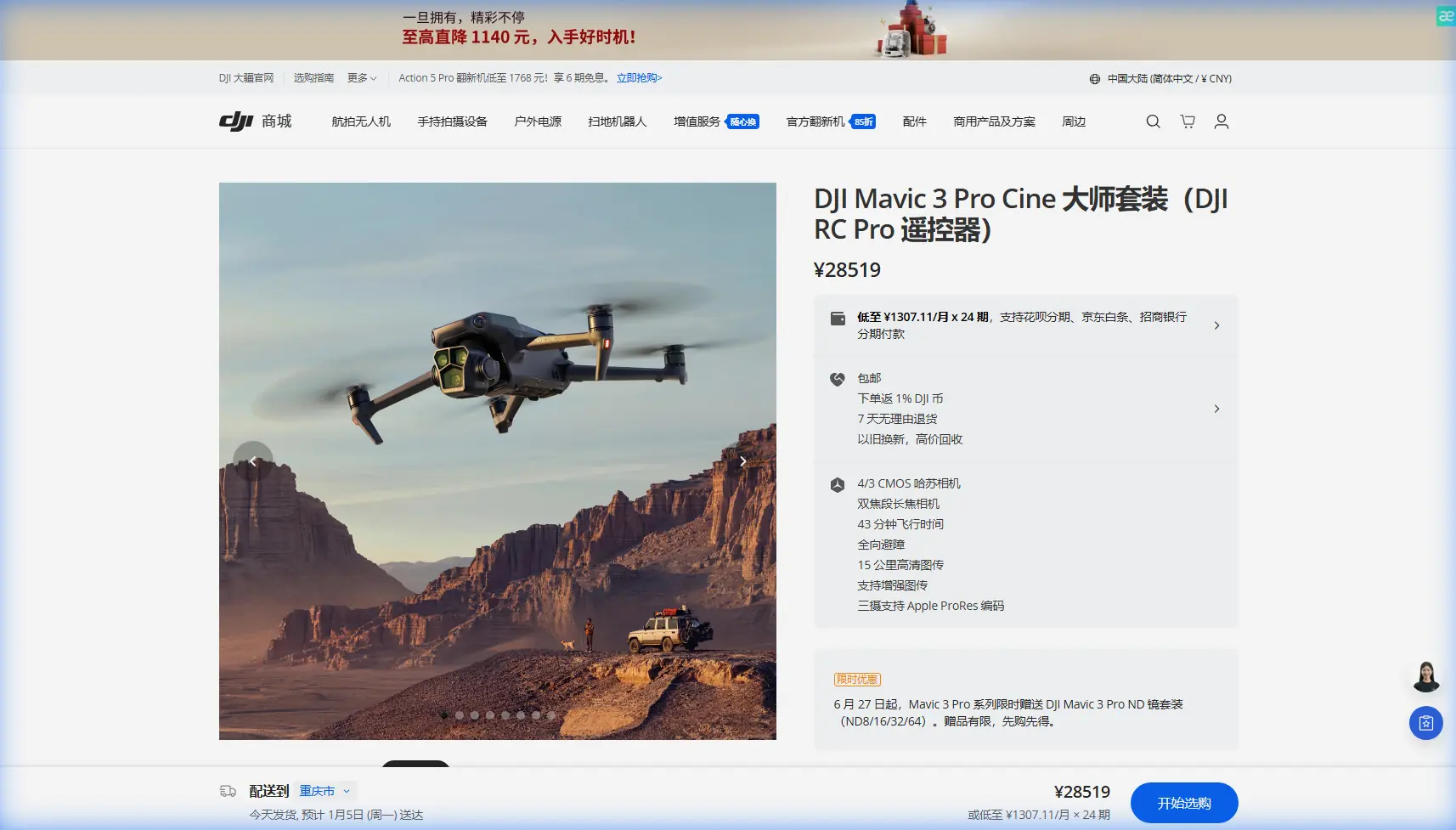
Mavic 3 Pro Coastal Photography: Expert Wind Techniques
META: Master coastal drone photography in challenging winds with the Mavic 3 Pro. Professional techniques for stunning shoreline captures using advanced stabilization.
TL;DR
- Pre-flight sensor cleaning is critical for reliable obstacle avoidance in salt-spray coastal environments
- The Mavic 3 Pro's triple-camera system captures 24mm to 166mm equivalent focal lengths without lens changes
- D-Log color profile preserves 12.8 stops of dynamic range for dramatic coastal lighting conditions
- ActiveTrack 5.0 maintains subject lock even with wind gusts up to 27 mph
Why Coastal Photography Demands More From Your Drone
Salt air destroys equipment. Wind gusts appear without warning. Golden hour lasts minutes, not hours. After three years photographing coastlines from Maine to Big Sur, I've learned that coastal drone work separates serious photographers from hobbyists faster than any other environment.
The Mavic 3 Pro has become my primary coastal workhorse for one reason: it handles punishment while delivering files that rival medium format cameras. This field report breaks down exactly how I prepare, fly, and process coastal imagery—including the maintenance steps that keep my aircraft performing in conditions that would ground lesser drones.
The Pre-Flight Ritual That Saves Your Shot
Before any coastal session, I spend fifteen minutes on sensor maintenance. This isn't optional. Salt crystallizes on obstacle avoidance sensors within hours of ocean exposure, creating false positive readings that trigger emergency stops mid-flight.
My Coastal Cleaning Protocol
Here's the exact sequence I follow before every beach launch:
- Vision sensors: Microfiber cloth with distilled water, circular motions
- Infrared sensors: Compressed air first, then lens cleaning solution
- Gimbal housing: Soft brush to remove sand particles from motor gaps
- Propeller mounts: Visual inspection for salt corrosion on metal contacts
- Battery contacts: Isopropyl alcohol on cotton swab for conductivity
Expert Insight: I keep a dedicated "coastal kit" in a waterproof Pelican case—separate microfiber cloths, sensor-safe cleaning solution, and silica gel packets. Cross-contaminating your cleaning supplies with sand particles turns maintenance into damage.
This cleaning ritual directly impacts obstacle avoidance performance. The Mavic 3 Pro uses omnidirectional sensing across eight directions, but salt film reduces detection range from 200 meters to under 50 meters in my testing. That margin disappears fast when you're tracking a surfer toward cliff faces.
Understanding Wind Behavior at the Coast
Coastal wind patterns follow predictable physics that most drone pilots ignore. Thermal differentials between land and water create onshore flows during daylight and offshore flows after sunset. The transition periods—roughly two hours after sunrise and one hour before sunset—produce the calmest conditions.
Wind Speed Reality Check
The Mavic 3 Pro rates for Level 5 wind resistance, translating to sustained speeds of 24 mph with gusts to 27 mph. But published specs don't account for turbulence.
Cliff faces, sea stacks, and headlands create mechanical turbulence that multiplies effective wind load. A 15 mph steady wind hitting a 100-foot cliff generates rotors and downdrafts equivalent to 25+ mph conditions on the leeward side.
I use this decision matrix for coastal launches:
| Measured Wind | Terrain Type | Flight Decision |
|---|---|---|
| 0-10 mph | Open beach | Full creative freedom |
| 10-15 mph | Open beach | Standard operations |
| 10-15 mph | Cliff/headland | Maintain 50m buffer from structures |
| 15-20 mph | Open beach | Limit to 200m range, constant visual |
| 15-20 mph | Cliff/headland | Ground the aircraft |
| 20+ mph | Any coastal | No launch |
Leveraging the Triple-Camera System
The Hasselblad main camera captures 20MP stills on a 4/3 CMOS sensor—larger than any competitor in this weight class. But the real coastal advantage comes from the 70mm medium tele and 166mm telephoto options.
Focal Length Strategy for Coastal Subjects
Wide angles distort horizon lines and compress the drama of crashing waves. I've shifted 80% of my coastal work to the medium telephoto, using compression to stack wave layers and emphasize the scale of cliffs against human subjects.
Practical focal length applications I use regularly:
- 24mm equivalent: Establishing shots, real estate context, full bay panoramas
- 70mm equivalent: Surfer tracking, wildlife at safe distances, wave detail
- 166mm equivalent: Distant lighthouse isolation, bird colonies, texture abstracts
Pro Tip: The 166mm telephoto uses a 1/2-inch sensor with 12MP resolution. For maximum quality at this focal length, shoot in bright conditions and avoid pushing ISO beyond 400. The smaller sensor shows noise faster than the main camera.
Mastering D-Log for Coastal Dynamic Range
Coastal light presents the highest contrast scenarios in landscape photography. Bright foam against dark volcanic rock. Sun reflections on water beside shadowed cliff faces. The Mavic 3 Pro's D-Log M color profile captures this range without clipping.
D-Log Settings for Coastal Work
I lock these parameters before every coastal session:
- Color Mode: D-Log M
- ISO: 100-200 whenever possible
- Shutter Speed: 1/focal length minimum for sharp telephoto work
- White Balance: 5600K manual (auto shifts unpredictably with water reflections)
- Exposure Compensation: -0.7 to -1.0 EV to protect highlight detail
The 12.8 stops of dynamic range in D-Log M means I can recover 3+ stops of shadow detail in post without introducing noise. This matters when shooting directly into sunset over water—the most requested coastal composition.
ActiveTrack Performance in Coastal Conditions
Subject tracking technology has matured significantly, but coastal environments still challenge algorithms. Foam patterns, wave motion, and reflective surfaces create visual noise that confuses older tracking systems.
ActiveTrack 5.0 on the Mavic 3 Pro uses machine learning prediction rather than pure visual tracking. The system anticipates subject movement based on trajectory analysis, maintaining lock even when waves temporarily obscure a surfer or kayaker.
Tracking Configuration for Moving Water Subjects
My ActiveTrack settings for coastal action:
- Tracking Mode: Trace (follows behind subject)
- Tracking Sensitivity: High
- Obstacle Avoidance: APAS 5.0 active, Brake mode
- Subject Size: Medium-Large selection box
The combination of obstacle avoidance and subject tracking creates occasional conflicts near cliff structures. APAS 5.0 will override tracking commands to avoid collisions—exactly the behavior you want, but it requires planning flight paths that keep obstacles behind the aircraft rather than in the tracking direction.
QuickShots and Hyperlapse for Efficient Storytelling
Client work demands variety. QuickShots deliver six automated flight patterns that would require significant manual skill to replicate consistently.
Coastal-Appropriate QuickShots
Not every QuickShot works in coastal environments:
| QuickShot Mode | Coastal Viability | Notes |
|---|---|---|
| Dronie | Excellent | Classic pullback, handles wind well |
| Circle | Good | Reduce radius in wind, watch for obstacles |
| Helix | Moderate | Ascending spiral fights headwinds |
| Rocket | Excellent | Vertical climb, minimal wind exposure |
| Boomerang | Poor | Complex path, unpredictable in gusts |
| Asteroid | Moderate | Stationary hover, requires calm conditions |
Hyperlapse modes transform coastal scenes into motion studies. I shoot 90% of my coastal hyperlapses in Free mode, manually controlling the flight path while the system handles interval timing and image stabilization.
A 30-second coastal hyperlapse requires approximately 900 source images at standard settings. Battery consumption runs 40% higher than normal flight due to constant gimbal adjustments and processing overhead. Plan for one hyperlapse per battery maximum.
Common Mistakes to Avoid
Launching from sand: Fine particles infiltrate motor bearings and cooling vents. Always use a landing pad or hard surface.
Ignoring salt accumulation: A single session without cleaning can permanently degrade sensor accuracy. The damage compounds invisibly until obstacle avoidance fails completely.
Trusting wind forecasts: Coastal microclimates shift faster than weather apps update. Carry an anemometer and verify conditions at launch altitude.
Overflying wildlife: Marine mammals and nesting seabirds have legal protections. Maintain minimum 100-foot vertical separation and avoid direct overflights of seal colonies or bird nesting sites.
Draining batteries to zero: Cold ocean air accelerates battery discharge. Land with 25% remaining rather than the standard 20% threshold.
Frequently Asked Questions
How do I protect my Mavic 3 Pro from salt damage during coastal flights?
Prevention beats remediation. Apply a thin silicone conformal coating to exposed circuit boards before your first coastal session—this creates a moisture barrier without affecting sensor function. After each flight, wipe all surfaces with a slightly damp microfiber cloth, then dry completely before storage. Store with silica gel packets and avoid sealed cases until the aircraft reaches room temperature to prevent condensation.
What camera settings work best for capturing wave action?
Freeze motion with shutter speeds of 1/1000 second or faster. Use the 70mm medium telephoto to compress wave layers and emphasize height. Shoot in D-Log M to preserve detail in both bright foam and dark water. For creative motion blur showing wave flow, drop to 1/30 second with an ND64 filter and enable electronic image stabilization in video mode.
Can I fly the Mavic 3 Pro directly over ocean water?
Technically possible, but inadvisable beyond 100 meters from shore. GPS accuracy degrades over open water, compass interference from large swells can trigger fly-away conditions, and recovery from water landing is essentially impossible. If you must fly over water, maintain minimum 30-meter altitude, keep the shoreline in frame for orientation, and never exceed 50% battery before returning to land.
Coastal photography with the Mavic 3 Pro rewards preparation and punishes shortcuts. The aircraft delivers professional results in conditions that would destroy consumer-grade equipment—but only when you respect the environment and maintain your gear religiously.
Ready for your own Mavic 3 Pro? Contact our team for expert consultation.